Converting the device is not as easy as simply plugging in an HDMI cord, but here's what does work.
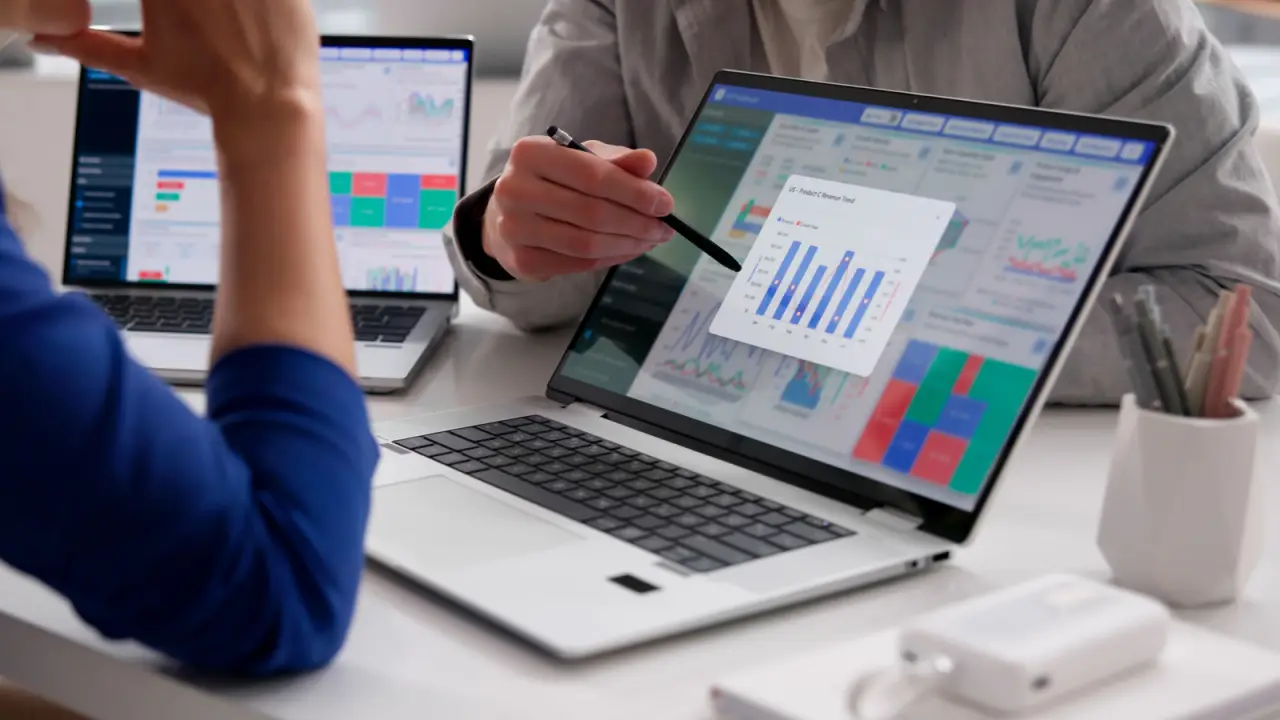
By Kari Paul Nov. 8, 2026 8:30 pm EST Andrey_Popov/Shutterstock Add Engadget on Google: Google DiscoverWhether you're gaming, working or simply browsing the web, adding a second monitor is one of the best ways to upgrade your workflow. Mirroring the display, which shows the same desktop on both screens, can be handy for presentations, while extending the display gives you one wider desktop. Extending the desktop into additional screen space means more visible tabs, easier multitasking and increased productivity. But making this change does not necessarily require buying a fancy setup. If you have a spare laptop lying around at home, you can make a few small tweaks to use dual monitors without going all-in on new hardware.