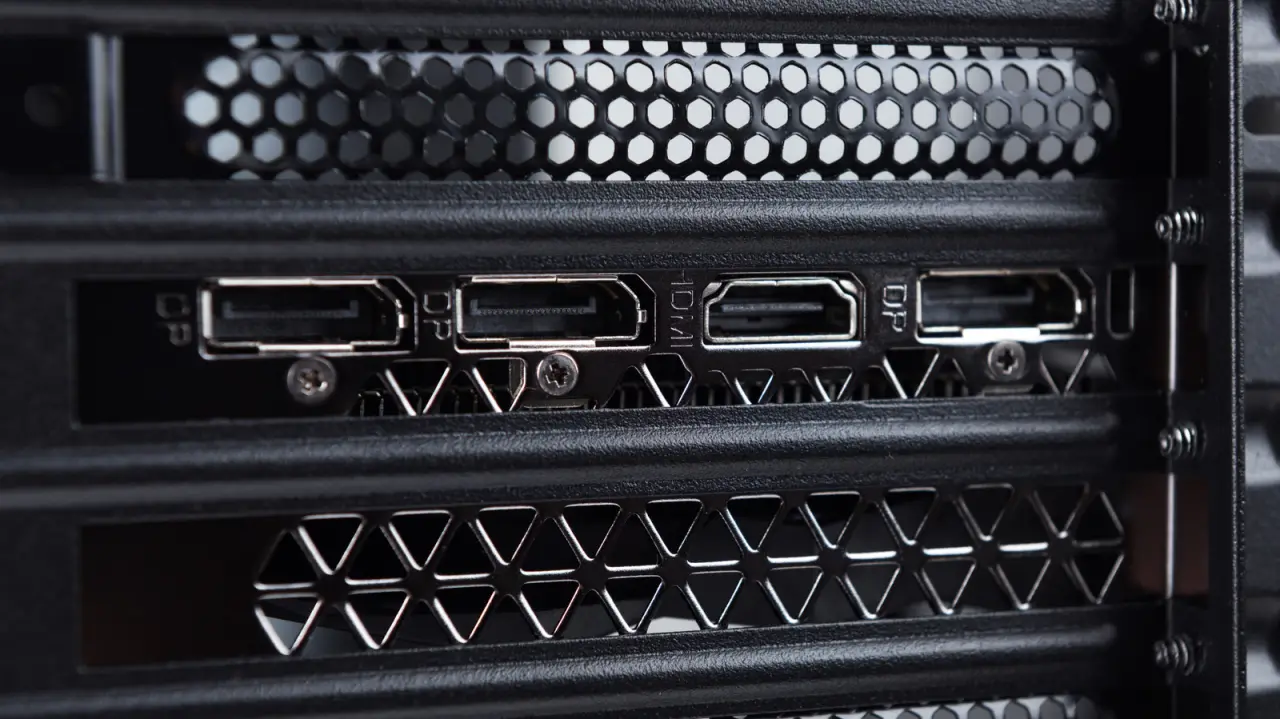
Your monitor might be connected to the motherboard instead of your graphics card, and the fix takes only a cable swap.
By Husain Parvez Nov. 14, 2026 6:30 pm EST LIAL/Shutterstock Add Engadget on Google: Google DiscoverYou may have a great graphics card in your gaming desktop and still be disappointed with its performance because of where the monitor is plugged in. Many PCs have HDMI, DisplayPort and USB-C monitor connections in two places: on the motherboard and on the dedicated graphics card. The same cable can fit either set of ports, which isn't particularly helpful.